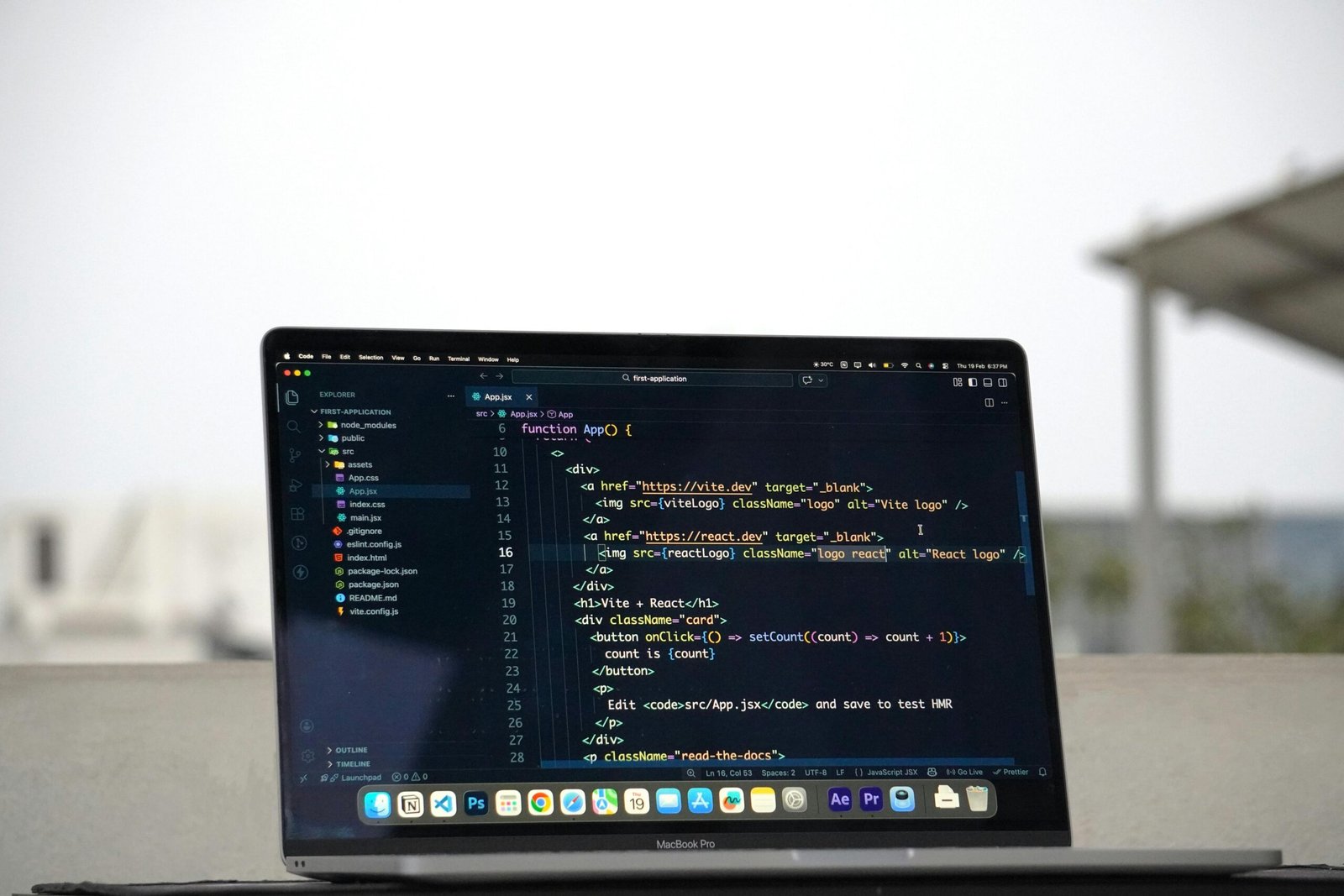
Learning to code in 2025 remains one of the most valuable career moves you can make — but only if you follow a realistic, structured path instead of bouncing between tutorials.
The global developer shortage isn’t letting up. According to the U.S. Bureau of Labor Statistics, software development jobs are projected to grow 25% through 2032 — far faster than the average for all occupations. Meanwhile, a 2025 Stack Overflow Developer Survey found that over 60% of professional developers are largely self-taught or used online resources as their primary learning method. And with AI-assisted coding tools now embedded in every major IDE, even beginners can write functional code faster than ever before.
But here’s the honest truth: most people who try to learn to code quit within the first three months. Not because coding is impossible — but because they choose the wrong language, follow the wrong resources, or set unrealistic timelines. This roadmap is designed to fix that. Whether you want to land a developer job, build your own app, or simply understand the technology shaping the world, this guide will show you exactly how to learn to code in a way that actually sticks.
Why Most Beginners Struggle — and How to Avoid Their Mistakes
Before diving into the roadmap itself, it’s worth understanding why so many aspiring developers stall out. The biggest culprit is what the coding community calls “tutorial hell” — the habit of watching course after course without ever building anything real. You feel productive, but you’re not retaining skills in a way that translates to actual work.
The second major mistake is choosing a programming language based on hype rather than purpose. Someone who wants to build websites and then spends three months learning C++ is setting themselves up for frustration. Your first language should align with your specific goal.
Third — and this is underestimated — most beginners don’t build a feedback loop. They code in isolation, never show their work to anyone, and have no way of knowing whether they’re progressing. Joining communities, sharing projects, and getting code reviewed accelerates learning dramatically.
The Mindset Shift That Changes Everything
Stop thinking of coding as memorizing syntax and start thinking of it as learning to solve problems systematically. Professional developers Google things constantly. They reference documentation daily. What separates a working developer from a struggling beginner isn’t memorized commands — it’s the ability to break a problem into smaller pieces and find the right tools to solve each one. Cultivate that habit from day one.
Choosing Your First Programming Language in 2026
The best first language is the one that matches your goal and keeps you motivated long enough to reach competency. Here’s how to think through the decision:
Python — Best for Beginners Interested in AI, Data, or Automation
Python consistently ranks as the most beginner-friendly language and, in 2026, it’s also the dominant language in artificial intelligence, machine learning, and data science. Its syntax reads almost like plain English, which dramatically lowers the barrier to entry. If you’re drawn to AI development, data analysis, or automation scripting, Python is the clearest starting point available. Resources are abundant, job demand is high, and the community support is unmatched.
JavaScript — Best for Web Development and Fast Results
If you want to see something work in a browser within your first week, JavaScript is your answer. It runs natively in every web browser, requires zero installation to get started, and powers both the front end and back end of millions of websites. The feedback loop is immediate — change a line of code and watch your webpage update instantly. For anyone interested in web development, JavaScript is not just a good choice, it’s essentially unavoidable.
Other Worthy Options
Swift is the language of choice for iOS app development. Kotlin dominates Android development. SQL, while not a general-purpose programming language, is essential for anyone working with databases and is often the highest-ROI skill for data analysts. If you’re interested in enterprise software or Android, Java remains deeply relevant. The point is: there’s no universally “best” language — there’s only the best language for your specific goals.
A Realistic Month-by-Month Learning Roadmap
Most coding bootcamps charge between $10,000 and $20,000 and promise job-ready skills in 12 weeks. The reality is more nuanced. Genuine competency for most people takes six to twelve months of consistent effort. Here’s how to structure that time effectively when you learn to code on your own terms.
Months 1–2: Foundations and Fundamentals
Your first two months should be entirely focused on one language and one resource. Resist the urge to explore multiple courses or switch languages. Cover the absolute basics: variables, data types, conditionals, loops, functions, and basic data structures like arrays and objects. For Python learners, CS50P from Harvard (free on edX) is exceptional. For JavaScript, The Odin Project offers a rigorous, project-based curriculum at no cost.
At the end of month two, you should be able to write simple programs from scratch without referencing tutorials. If you can’t, don’t move on — revisit the fundamentals. This stage is the foundation everything else is built on.
Months 3–4: Building Real Projects
This is where most tutorials fall short and where your learning accelerates most rapidly. Stop following step-by-step instructions and start building projects you actually care about. Build a to-do list app. Scrape a website for data you find interesting. Create a simple budget tracker. It doesn’t matter if the code is messy — it matters that you wrote it without being hand-held.
When you get stuck (and you will), practice the debugging mindset: read error messages carefully, isolate the problem, search specifically, and try at least three solutions before asking for help. This problem-solving muscle is what employers actually pay for.
Months 5–6: Expanding Your Stack and Going Deeper
Once you have a solid grasp of your core language, it’s time to expand. Web developers should learn HTML and CSS properly (if not already covered), then move into a framework — React is the dominant front-end framework in 2026, while Django or FastAPI pair well with Python on the back end. Data-focused learners should dig into libraries like Pandas and NumPy, then start exploring data visualization with Matplotlib or Seaborn.
This is also the time to learn version control with Git and GitHub. If you are not already using Git, start immediately. Every professional developer uses it daily, and having a public GitHub portfolio is increasingly expected by hiring managers.
Months 7–12: Portfolio, Community, and Career Prep
By month seven, your focus should shift from learning to demonstrating. Build two or three portfolio projects that solve real problems. Don’t build another to-do app — build something that reflects genuine curiosity or practical utility. A weather app that pulls live data. A personal finance dashboard. A simple machine learning model that predicts something you care about.
Join developer communities — Discord servers, Reddit’s r/learnprogramming, local meetups, and open-source projects on GitHub. Contribute to beginner-friendly open-source repositories. This builds your network, improves your code quality through real feedback, and gives you meaningful experience to discuss in interviews.
How AI Tools Are Changing the Way Beginners Learn to Code
It would be negligent not to address this directly in 2026. AI coding assistants — GitHub Copilot, Cursor, and various GPT-based tools — have fundamentally changed what it means to learn programming. A 2025 GitHub study found that developers using Copilot completed coding tasks up to 55% faster than those without it. For beginners, this is both an opportunity and a trap.
The opportunity: AI tools are extraordinary tutors. You can paste code you don’t understand and ask for a plain-English explanation. You can describe a problem and get a starting point. You can ask for feedback on your code structure. Used this way, AI dramatically accelerates learning.
The trap: If you let AI write all your code without understanding what it’s doing, you’ll reach a ceiling quickly. You won’t be able to debug complex problems, adapt to novel situations, or perform in technical interviews. The developers who thrive in 2026 are those who use AI as an amplifier of their own understanding — not as a substitute for it.
Best Practices for Using AI While Learning
- Attempt the problem yourself first — even if your attempt is wrong, then ask AI to help you understand the gap.
- Use AI for explanations, not just answers — ask it to explain why a solution works, not just what the solution is.
- Review AI-generated code line by line — never paste code you cannot explain. This forces active engagement rather than passive consumption.
- Test AI suggestions critically — AI tools make mistakes. Developing the instinct to verify output is itself an essential developer skill.
Free and Paid Resources Worth Your Time in 2026
The learning resource landscape has never been richer, which paradoxically makes it harder to choose. Here are the platforms that consistently deliver results:
Free Resources
- The Odin Project — Full-stack web development curriculum that’s entirely free, project-based, and highly respected by hiring managers.
- CS50 (Harvard/edX) — The gold standard introduction to computer science fundamentals. CS50P covers Python specifically and is genuinely world-class.
- freeCodeCamp — Excellent for web development, JavaScript, and data analysis certifications at zero cost.
- MDN Web Docs — Mozilla’s documentation for web technologies is the single best reference for HTML, CSS, and JavaScript.
Paid Resources Worth Considering
- Scrimba — Interactive coding environment where you can edit the instructor’s code in real time. Particularly strong for JavaScript and React.
- Zero To Mastery (ZTM) — High-quality, regularly updated courses on Python, web development, and machine learning with an active community.
- Frontend Masters — More advanced, but exceptional for JavaScript ecosystem depth. Worth it once you’re past the beginner stage.
One strategic note: more resources don’t mean faster learning. Pick one primary resource and see it through to completion before starting another. Depth beats breadth at the beginner stage every time.
Frequently Asked Questions About Learning to Code
How long does it realistically take to get a job after starting to learn to code?
Most people who study consistently — around one to two hours on weekdays and more on weekends — are job-ready in nine to eighteen months. Bootcamp graduates often enter the market sooner, but hiring managers increasingly value demonstrated project work over certificates alone. Your timeline depends heavily on how much you build versus how much you simply watch tutorials.
Is it too late to learn to code in 2026 with AI writing code automatically?
No — and this concern is understandable but misplaced. AI tools generate code, but they don’t replace the judgment required to architect systems, debug complex issues, communicate technical decisions, or understand business requirements. The demand for developers who can work intelligently alongside AI tools is actually increasing. Learning to code in 2026 means learning to be an effective human-AI collaborator, which is a more powerful skill set than coding alone ever was.
Do I need a computer science degree to become a developer?
Absolutely not. A 2025 Stack Overflow survey found that roughly 40% of professional developers do not hold a computer science degree. What matters to most employers is a strong portfolio of real projects, demonstrated problem-solving ability, and communication skills. That said, a CS degree does provide valuable fundamentals in algorithms and systems — if you’re self-teaching, spending time on these topics independently is worthwhile.
Which is better — a coding bootcamp or self-teaching?
Both paths have produced successful developers. Bootcamps provide structure, accountability, and networking — valuable if you struggle with self-direction or need to transition careers quickly. Self-teaching costs significantly less and allows you to move at your own pace, but requires strong self-discipline. A hybrid approach works well for many: use free structured resources like The Odin Project or CS50 for the curriculum, while supplementing with community accountability from Discord groups or study partners.
What’s the best programming language to learn first for getting a job quickly?
In 2026, Python and JavaScript offer the strongest combination of job availability and beginner accessibility. Python dominates in data science, AI, and automation roles. JavaScript is essential for web development. Both have enormous job markets and abundant learning resources. If your goal is employment speed, research job listings in your target area and note which languages appear most frequently — then align your learning accordingly.
How do I stay motivated when learning to code gets hard?
Motivation follows progress, so engineer small wins deliberately. Break large goals into weekly milestones. Build projects connected to genuine personal interests — sports data, music, travel, anything that makes the work feel meaningful. Find an accountability partner or join a study group. When frustration peaks, recognize it as a sign that you’re working at the edge of your current ability — which is exactly where growth happens. Every professional developer remembers hitting that same wall.
How important is mathematics for learning to code?
For most web development and general programming work, strong math skills are not required. Basic algebra and logical thinking are sufficient for the majority of coding tasks. Where math becomes important is in machine learning, data science, computer graphics, and game development — fields that rely on linear algebra, statistics, and calculus. If you’re targeting those areas, invest time in foundational math through resources like Khan Academy. Otherwise, don’t let math anxiety stop you from starting.
Your Next Step Starts Today
The best developers in the world started exactly where you are now — with no experience, some uncertainty, and a decision to begin. The difference between those who succeed and those who don’t rarely comes down to talent. It comes down to consistency, the willingness to build messy projects and learn from failure, and the discipline to stay focused on depth over breadth in the early stages.
Pick your language based on your goal, not on what’s trending on social media. Choose one quality resource and commit to it. Build something real every week, no matter how small. Use AI tools as thinking partners, not crutches. Show up to communities where other learners and professionals gather. And trust that the compounding effect of daily practice will — without question — take you from complete beginner to capable developer faster than you currently believe is possible. The roadmap is clear. The tools are free. The only variable left is you.
Disclaimer: This article is for informational purposes only. Always verify technical information and consult relevant professionals for specific advice regarding career decisions, educational investments, or technology choices.
Leave a Reply