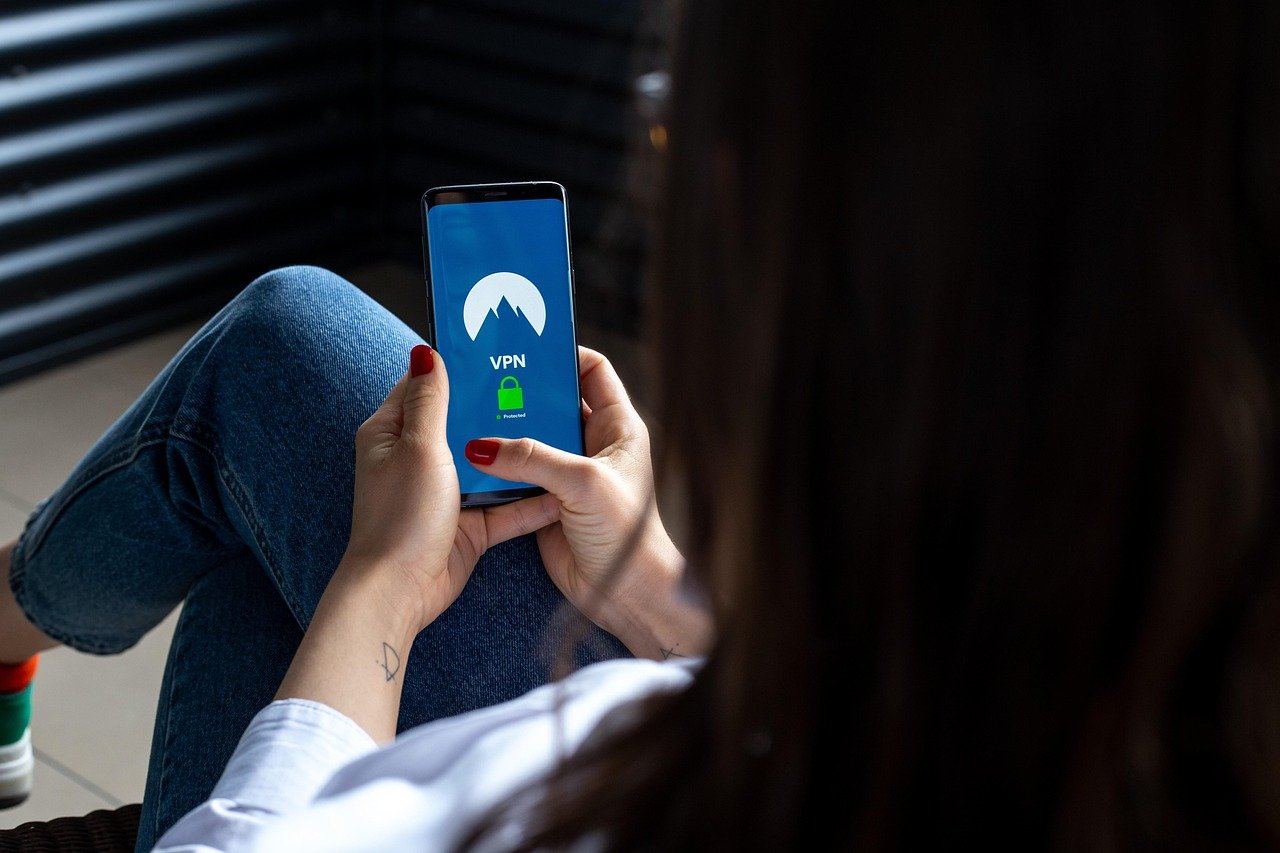
Your Privacy Is Worth More Than You Think
In 2026, your internet connection reveals more about you than your passport — and a Virtual Private Network (VPN) might be the most underrated tool standing between your data and everyone who wants it. Whether you’re streaming from Sydney, banking from Birmingham, or browsing from Boston, the question isn’t just what a VPN does — it’s whether you can afford to go without one.
According to a 2025 report by Surfshark’s Digital Quality of Life Index, over 1.6 billion people used a VPN at least once in the past year, a figure that has more than doubled since 2020. Yet most users still don’t fully understand what a VPN actually protects them from — or what it doesn’t. This guide cuts through the noise with practical, evidence-based answers.
How a VPN Actually Works — No Jargon Required
A VPN (Virtual Private Network) creates an encrypted tunnel between your device and the internet. Instead of your traffic flowing directly from your device to a website, it routes through a secure server operated by your VPN provider. That server acts as an intermediary, masking your real IP address and encrypting everything passing through the connection.
Think of it this way: normally, browsing the web is like sending a postcard — anyone handling it can read it. A VPN turns that postcard into a sealed, unmarked envelope routed through a private courier.
The Key Technical Components
- Encryption: Modern VPNs use AES-256 encryption, the same standard used by military and financial institutions. This scrambles your data so it’s unreadable even if intercepted.
- VPN Protocols: These are the rules governing how data travels. WireGuard, OpenVPN, and IKEv2 are the most widely trusted protocols in 2026. WireGuard in particular has become the industry standard for its speed and lean codebase.
- IP Masking: When connected to a VPN, websites and services see the VPN server’s IP address — not yours. This is what allows geo-spoofing for streaming services.
- Kill Switch: A feature that cuts your internet connection entirely if the VPN drops, preventing accidental data exposure. Non-negotiable for privacy-focused users.
- DNS Leak Protection: Prevents your device from accidentally sending DNS queries outside the encrypted tunnel, which would reveal your browsing habits to your ISP.
What Happens Without a VPN
Without a VPN, your Internet Service Provider (ISP) can see every website you visit, the time you visited, and how long you stayed. In the United States, ISPs have been legally permitted to sell anonymized browsing data to advertisers since 2017. In the UK and Australia, data retention laws require ISPs to store metadata for up to two years. A VPN doesn’t make you invisible, but it does move the trust relationship from your ISP to your VPN provider — which is why choosing a reputable, no-logs provider matters enormously.
The Real Reasons People Use VPNs in 2026
The use cases for a VPN have expanded well beyond hiding downloads or dodging geo-blocks. Here’s where people are actually getting value from them today.
Public Wi-Fi Security
Coffee shops, airports, hotels, and co-working spaces are goldmines for cybercriminals. Man-in-the-middle attacks — where an attacker intercepts communication between your device and a network — remain one of the most common threat vectors on public Wi-Fi. A 2025 Norton Cyber Safety Insights Report found that 40% of respondents had their personal information compromised while using public Wi-Fi. A VPN encrypts that connection, making interception essentially useless to an attacker.
Bypassing Geographic Restrictions
Streaming libraries differ dramatically by country. A Netflix subscriber in Canada sees a different content library than one in the US or UK. Similarly, certain news sites, social media platforms, and research databases are blocked in various regions. A VPN with servers in the target country allows users to access that content as if they were physically there. Sports fans traveling internationally rely heavily on this to catch live broadcasts from their home country.
Remote Work and Business Security
Corporate VPNs have been standard practice for decades, allowing employees to securely access internal networks remotely. In 2026, with hybrid work still dominant across the US, UK, Canada, Australia, and New Zealand, business VPN usage has surged. Many companies now mandate VPN use on any device accessing company resources — for good reason. A single compromised employee connection can expose an entire corporate network.
Avoiding Price Discrimination
Airlines, hotel booking platforms, and even software vendors sometimes display different prices based on your location. Connecting through a VPN server in a lower-cost country before searching for flights or subscriptions can occasionally yield significant savings. This is a legitimate use case, though results vary by platform and aren’t guaranteed.
Protecting Sensitive Research and Journalism
Activists, journalists, researchers, and whistleblowers operating in regions with internet censorship or government surveillance use VPNs as a critical layer of protection. In countries where certain information is restricted or monitored, a VPN may be the difference between safe research and serious consequences.
What a VPN Cannot Do — Being Honest About Limitations
Marketing from VPN companies can be wildly overstated. A VPN is a powerful privacy tool, not a magical shield. Understanding what it doesn’t protect you from is just as important as knowing what it does.
It Doesn’t Make You Anonymous
True anonymity online is extraordinarily difficult to achieve. A VPN hides your IP address and encrypts your traffic from your ISP, but if you’re logged into Google, Facebook, or any other service, those platforms still know exactly who you are. Your digital fingerprint — browser type, screen resolution, installed fonts, time zone — can also be used to identify you even without an IP address. VPNs don’t address fingerprinting.
It Doesn’t Protect Against Malware
A VPN does not scan downloads, block malicious websites (unless a specific feature like threat protection is explicitly included), or protect you from phishing attacks. If you click a malicious link and download ransomware, the VPN won’t save you. You still need reputable antivirus software, strong passwords, and multi-factor authentication as separate layers of security.
It Doesn’t Guarantee Zero Logs
Many VPN providers claim a strict no-logs policy, but not all of them have had that claim independently verified. In 2021, the provider Kape Technologies (which owns several major VPN brands) faced scrutiny over logging practices. Always look for providers that have undergone independent third-party audits of their no-logs claims. ExpressVPN, Mullvad, and ProtonVPN are examples of providers with verified audit histories as of 2026.
It Can Slow Your Connection
Routing traffic through an additional server adds latency. The impact depends on server distance, server load, and the protocol used. WireGuard has significantly narrowed this gap, and premium providers on nearby servers often deliver speed reductions of only 10–20%. Budget or overcrowded VPN servers, however, can noticeably degrade your experience — especially for gaming or video conferencing.
Choosing the Right VPN: What Actually Matters
The VPN market in 2026 is crowded with hundreds of options ranging from enterprise-grade to outright scams. Here’s how to evaluate a VPN service without being swayed by flashy marketing.
Non-Negotiable Features
- Verified no-logs policy: Look for independently audited privacy policies, not just marketing claims.
- Strong encryption and modern protocols: WireGuard or OpenVPN support is a baseline requirement.
- Kill switch: Available on all major platforms — desktop, iOS, and Android.
- Jurisdiction: VPN providers based in countries outside the 5 Eyes, 9 Eyes, and 14 Eyes intelligence alliances (such as Switzerland or Panama) are subject to less invasive data sharing laws.
- DNS leak protection: Should be enabled by default or easily configurable.
Free VPNs: The Hidden Cost
Free VPN services are almost universally problematic. A landmark 2019 CSIRO study of 283 free VPN apps found that 38% contained malware, and 84% leaked user data. The business model of a free VPN typically involves monetizing your data — which directly contradicts the reason you’d use one. In 2026, reputable paid VPNs cost between $2 and $12 per month. If you’re not paying for the product, your data likely is the product.
Recommended Providers Worth Evaluating in 2026
Based on independent audit history, transparency reports, and consistent performance, the following providers are widely respected by security researchers: Mullvad VPN (strong anonymity, accepts cash payments), ProtonVPN (Swiss jurisdiction, open-source clients), ExpressVPN (consistent speeds, audited no-logs), and NordVPN (feature-rich, large server network). Always verify current audit status before subscribing, as the landscape evolves.
Do You Actually Need a VPN in 2026?
Here’s the honest answer: it depends on who you are and how you use the internet. Not everyone needs the same level of protection — but most people need more than they currently have.
You almost certainly benefit from a VPN if you regularly use public Wi-Fi, work remotely with access to sensitive systems, live in or travel to countries with censorship or surveillance, are a journalist, activist, or researcher handling sensitive information, or want to access geo-restricted content across streaming platforms.
You may get less direct value from a VPN if you work exclusively on a secured home or office network, never use public Wi-Fi, and aren’t particularly concerned about ISP data collection. Even then, a VPN adds a layer of protection that costs less than a Netflix subscription per month — and the risk calculus of digital privacy in 2026 increasingly favors having one.
The broader shift to always-on connectivity, smart home devices, IoT ecosystems, and AI-driven data aggregation means the surface area for data exposure has never been larger. According to Statista’s 2025 cybercrime data, global cybercrime costs are expected to reach $10.5 trillion annually by the end of 2025 — a figure that underscores why even casual internet users are valuable targets. A VPN is not a silver bullet, but as one layer in a broader digital hygiene strategy, it earns its place.
Set it up, leave it running in the background, and pick a provider with a clean audit trail. Your future self will thank you.
Frequently Asked Questions
Does a VPN hide my activity from my employer?
Not if you’re using a company-issued device or your employer’s corporate VPN. Many organizations use endpoint monitoring software, Mobile Device Management (MDM) tools, and network traffic analysis that operates independently of whether a personal VPN is installed. On a personal device on your own network, a personal VPN hides your activity from your ISP — but not from platforms you’re logged into. Never assume workplace devices are private.
Is using a VPN legal?
In most countries — including the US, UK, Canada, Australia, and New Zealand — using a VPN is completely legal. However, what you do while using a VPN remains subject to local law. In some countries such as Russia, China, Iran, and North Korea, VPN use is restricted or banned outright. Always check the legal landscape of any country you’re traveling to before connecting.
Will a VPN stop me from getting hacked?
A VPN reduces specific attack vectors — particularly on public Wi-Fi and from ISP-level surveillance — but it is not a comprehensive security solution. It won’t protect you from phishing emails, weak passwords, software vulnerabilities, or malicious downloads. Think of a VPN as one layer in a multi-layered security approach that also includes strong unique passwords, a password manager, multi-factor authentication, and up-to-date antivirus software.
Can Netflix and other streaming services detect and block VPNs?
Yes, major streaming platforms like Netflix, Disney+, and BBC iPlayer actively work to detect and block VPN IP addresses. They do this by identifying IP ranges associated with known VPN server farms. Premium VPN providers constantly rotate their server IPs to stay ahead of these blocks, but the cat-and-mouse dynamic means no VPN can guarantee 100% consistent streaming access. Check provider-specific streaming compatibility claims before subscribing if this is your primary use case.
Does a VPN affect my internet speed?
Yes, but the impact in 2026 is far smaller than it was even three years ago, thanks largely to the widespread adoption of the WireGuard protocol. On a premium provider connecting to a nearby server, you may notice a speed reduction of 10–20%, which is imperceptible for most everyday tasks including streaming HD video. Connecting to a server on the other side of the world will result in greater latency, which matters more for online gaming than for general browsing.
What is the difference between a VPN and Tor?
Tor (The Onion Router) routes your traffic through multiple volunteer-operated nodes, encrypting it at each hop. This provides stronger anonymity than a VPN but at a significant speed cost — Tor is far too slow for streaming or large downloads. A VPN routes through a single server controlled by one company, offering much faster speeds but requiring trust in that provider. Some privacy-focused users combine both (VPN over Tor or Tor over VPN) for layered protection, though this is typically overkill for most everyday users.
Are mobile VPN apps safe to use?
They can be, but the mobile VPN app space has a higher proportion of low-quality and outright malicious offerings than the desktop market. The 2019 CSIRO study found alarming rates of malware and data leakage in free mobile VPN apps, and the problem persists in 2026. Stick to mobile apps from reputable providers with verified audit histories and significant download volumes from official app stores. Avoid any free VPN app that requests excessive device permissions.
This article is for informational purposes only. Always verify technical information and consult relevant professionals for specific advice regarding cybersecurity, legal compliance, or business network security decisions.
Leave a Reply