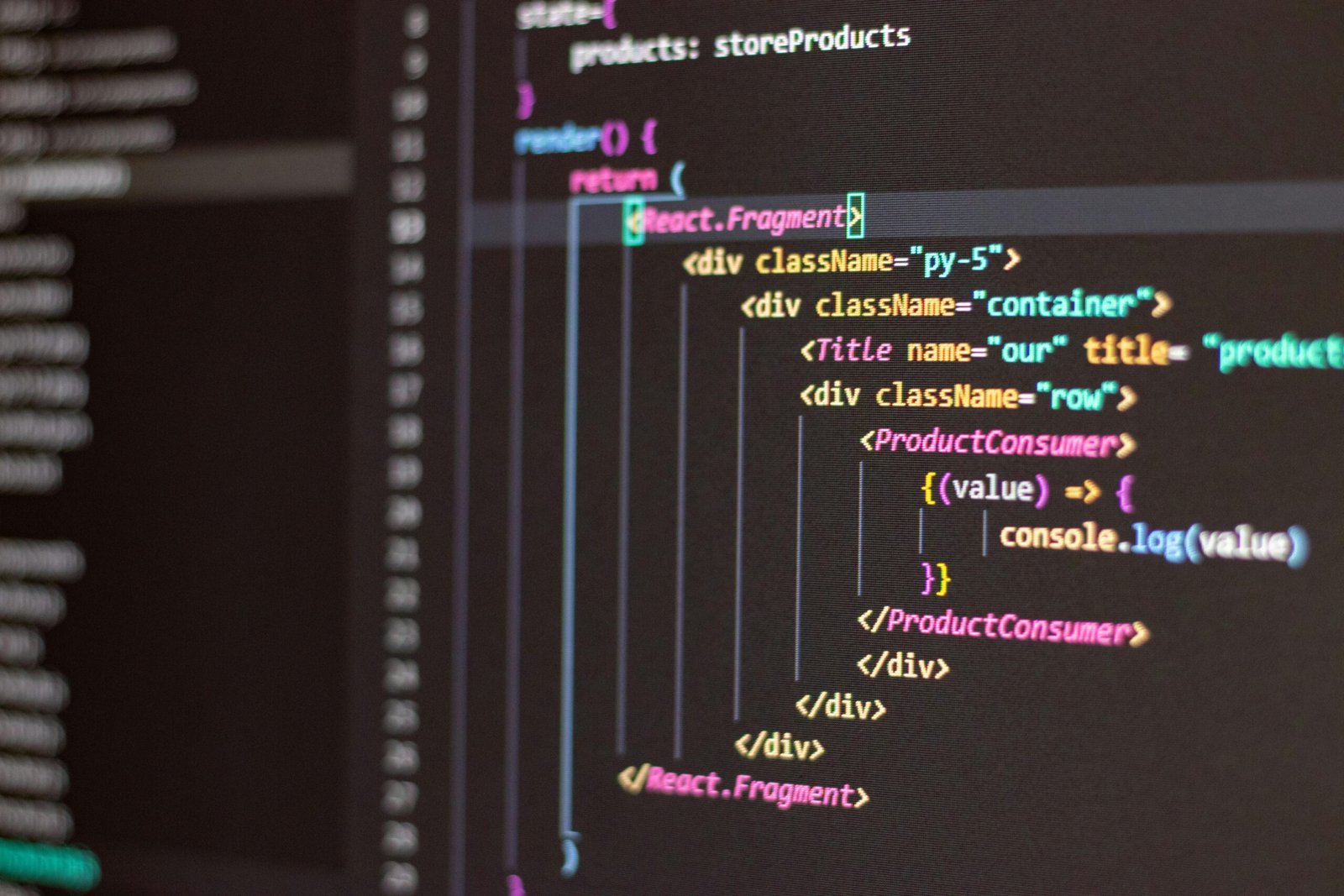
Why React and Node.js Are the Perfect Starting Point for Modern Web Development
Building your first web app with React and Node.js puts you in the fastest-growing developer ecosystem of 2026 — and this guide walks you through every step with clarity and precision. The JavaScript full-stack approach has dominated hiring boards and startup tech stacks for years, and for good reason: one language, two environments, endless possibilities. Whether you’re a coding newcomer or a developer expanding your skill set, this tutorial gives you the foundation to launch something real.
According to the Stack Overflow Developer Survey 2025, JavaScript remains the most used programming language for the 13th consecutive year, with React holding the top spot among web frameworks at over 40% adoption. Meanwhile, Node.js powers more than 6.3 million websites globally and is used by major companies including Netflix, LinkedIn, and PayPal. These aren’t just popular tools — they’re industry standards that employers actively seek and freelance clients consistently request across the USA, UK, Canada, Australia, and New Zealand.
The combination of React on the frontend and Node.js on the backend — often called the MERN or MEVN stack when paired with MongoDB or another database — allows developers to think in a single language throughout the entire application. That mental efficiency translates to faster development, easier debugging, and a smoother learning curve when you’re just starting out.
Understanding the Core Concepts Before You Write a Single Line
Jumping straight into code without understanding the architecture is one of the most common mistakes beginners make. Spend ten minutes here, and you’ll save yourself hours of confusion later.
What React Actually Does
React is a JavaScript library created by Meta (formerly Facebook) for building user interfaces. It works by breaking your application’s interface into reusable pieces called components. Each component manages its own state — the dynamic data it needs to display — and React efficiently updates only the parts of the page that change, rather than reloading the entire page. This approach is called the Virtual DOM, and it’s what makes React applications feel fast and responsive.
Think of a React app like a set of LEGO blocks. Your navigation bar is one block. Your product card is another. Your checkout button is another. You assemble these blocks into a full page, and if the checkout button needs to change, React updates only that block — not the entire structure.
What Node.js Actually Does
Node.js is a runtime environment that allows JavaScript to run on the server — outside of the browser. Before Node.js, JavaScript was limited to the client side. Node.js changed that, letting developers use JavaScript to handle things like database queries, user authentication, file management, and API responses on the server.
When a user submits a login form in your React app, Node.js (typically paired with the Express.js framework) receives that request, checks the database, and sends back a response — all in JavaScript. This server-side logic is what transforms a static webpage into a fully functional web application.
How They Work Together
In a standard React and Node.js application, the two sides communicate through APIs — specifically REST APIs or, increasingly, GraphQL. Your React frontend sends HTTP requests (GET, POST, PUT, DELETE) to your Node.js backend. The backend processes the request, interacts with a database if needed, and returns data — usually in JSON format. React then uses that data to update the interface. This separation of concerns keeps your codebase organized and your application scalable.
Setting Up Your Development Environment the Right Way
A clean, correctly configured environment prevents the majority of early-stage headaches. Here’s exactly what you need in 2026.
Required Tools and Installations
- Node.js (v22 LTS or higher): Download from the official nodejs.org website. The LTS (Long-Term Support) version is recommended for stability. Installing Node.js also installs npm (Node Package Manager), which you’ll use to install libraries.
- VS Code: Visual Studio Code remains the most popular code editor for JavaScript development in 2026. Install the ESLint, Prettier, and ES7+ React snippets extensions immediately after setup.
- Git: Version control is non-negotiable, even for solo projects. Install Git and connect it to a free GitHub account from day one.
- Postman or Thunder Client: You’ll need a tool to test your Node.js API endpoints before connecting them to React. Postman is standalone; Thunder Client works directly inside VS Code.
Creating Your Project Structure
A well-organized folder structure pays dividends as your project grows. The most practical approach for beginners is a monorepo structure — one parent folder containing separate client and server folders. Your client folder holds the React application; your server folder holds the Node.js backend. This keeps everything in one place while maintaining a clear separation between frontend and backend code.
To scaffold the React side, use Vite rather than the older Create React App tool. As of 2025, Vite has become the community standard for React project scaffolding due to its dramatically faster build times and simpler configuration. Run the Vite scaffolding command inside your client folder and select the React template. For the server side, initialize a new npm project inside the server folder and install Express.js as your primary framework.
Building the Backend: Your Node.js and Express API
The backend is where your application’s logic lives. Even a simple web app needs a server to handle data, and Express.js makes this process remarkably straightforward.
Creating Your First Express Server
After installing Express inside your server folder, your entry point file (commonly named index.js or server.js) needs to accomplish three core tasks: import Express, define routes, and start listening on a port. A basic Express server can be fully operational in under 20 lines of code.
Configure your server to use JSON middleware so it can parse incoming JSON data from your React frontend. Enable CORS (Cross-Origin Resource Sharing) using the cors npm package — this is essential because your React app (running on one port during development) needs permission to communicate with your Node.js server (running on a different port). Skipping CORS configuration is one of the most common causes of failed API calls for beginners.
Designing Your API Routes
Routes define what your server does when it receives a specific type of request at a specific URL. For a beginner project — say, a simple task manager application — you might create routes for retrieving all tasks, adding a new task, updating an existing task, and deleting a task. These four operations map directly to the four core HTTP methods: GET, POST, PUT, and DELETE.
Organize your routes in a separate routes folder rather than cramming everything into your main server file. Use Express Router to group related routes together. This modular approach may feel like extra work at the beginner stage, but it reflects real-world professional practice and makes your code significantly easier to maintain as the project grows.
Connecting a Database
For beginners, MongoDB with Mongoose offers the gentlest learning curve. MongoDB stores data in a JSON-like format that feels natural when you’re already working in JavaScript. Mongoose adds a schema layer on top of MongoDB, letting you define the shape of your data before it’s stored — reducing errors and enforcing consistency. Use MongoDB Atlas, the cloud-hosted version, rather than installing MongoDB locally. Atlas offers a free tier that’s more than sufficient for learning and small projects, and it eliminates complex local configuration entirely.
Store your MongoDB connection string in a .env file using the dotenv package. Never hardcode database credentials directly in your source code, and always add your .env file to .gitignore before your first commit. This is not optional best practice — it’s a fundamental security requirement, especially if you ever push code to a public repository.
Building the Frontend: Your React Application
With your backend serving data, it’s time to build the interface your users will actually see and interact with. Modern React development in 2026 means functional components, hooks, and clean component architecture.
Structuring Your React Components
Divide your React application into three types of components from the start. Page components represent full pages — your Home page, Dashboard page, or Login page. Feature components handle specific functionality within a page — a TaskList or UserProfile. UI components are reusable interface elements — buttons, input fields, modals, and cards. Organize these in a components folder with clear subfolders for each category.
Use React’s useState hook to manage local component state — for example, what a user has typed into a form field. Use the useEffect hook to handle side effects, most commonly fetching data from your Node.js API when a component loads. These two hooks alone handle the majority of state management needs in a beginner-level application.
Connecting React to Your Node.js API
Use the native Fetch API or, preferably, the Axios library to make HTTP requests from React to your Express backend. Axios offers cleaner syntax, automatic JSON parsing, and better error handling than native Fetch — it’s the standard choice for professional React development.
Create a dedicated api.js file inside a services folder in your React project. Centralize all your API call functions in this single file rather than scattering fetch calls across multiple components. If your API URL changes — which it will when you move from local development to production — you only update it in one place.
Handle loading states and errors explicitly in your components. When a user triggers an API call, display a loading indicator while the request is in progress, and show a meaningful error message if it fails. These two additions dramatically improve the user experience and reflect the standard expected in any professional application.
Client-Side Routing with React Router
A web app with more than one page needs client-side routing. React Router v7, released in late 2024 and now the stable standard in 2026, handles navigation within your React app without triggering full page reloads. Install React Router Dom and wrap your application in a BrowserRouter component. Define routes that map specific URL paths to specific page components. Add a NavLink component to your navigation bar so users can move between pages, and include a catch-all route that renders a 404 page for any path that doesn’t exist.
Deployment and Going Live in 2026
A local project is a learning exercise. A deployed project is a portfolio piece, a product, or a business. Getting your React and Node.js application live is more accessible than ever in 2026.
Deploying Your React Frontend
For React applications, Vercel remains the gold standard for deployment simplicity. Connect your GitHub repository, select your client folder as the root directory, and Vercel handles the build and deployment automatically. Every time you push code to your main branch, Vercel redeploys your application within minutes. The free tier is generous enough to host multiple portfolio projects simultaneously, making it ideal for developers in the USA, UK, Canada, Australia, and New Zealand who are building their early portfolio.
Deploying Your Node.js Backend
For Node.js backends, Render and Railway have largely replaced the deprecated Heroku free tier as the preferred beginner-friendly platforms. Both offer straightforward GitHub integration, environment variable management through a dashboard UI, and free or low-cost tiers for small projects. Connect your server repository, set your environment variables through the platform’s dashboard (never commit them to Git), and deploy. Update your React app’s API base URL to point to your live backend URL, redeploy the frontend, and your full-stack application is live.
According to data from the 2025 State of JavaScript survey, over 67% of full-stack JavaScript developers use cloud platforms like Vercel, Render, or Railway for their primary deployments — reflecting a clear industry shift away from complex server management toward streamlined platform-as-a-service solutions.
Frequently Asked Questions
Do I need to know JavaScript before learning React and Node.js?
Yes — a foundational understanding of JavaScript is genuinely necessary before diving into React and Node.js. You don’t need to be an expert, but you should be comfortable with variables, functions, arrays, objects, promises, and async/await syntax. If those concepts feel shaky, spend two to four weeks on JavaScript fundamentals first. Resources like freeCodeCamp, The Odin Project, and JavaScript.info offer free, structured paths that will prepare you effectively. Attempting React and Node.js without this foundation leads to confusion that’s difficult to untangle.
How long does it take to build a first working web app with React and Node.js?
A simple but functional web app — a task manager, a notes application, or a basic CRUD (Create, Read, Update, Delete) tool — typically takes between two and six weeks for a motivated beginner dedicating one to two hours per day. The setup and first connection between frontend and backend often takes longer than expected, but once those pieces click, development accelerates significantly. Setting a specific, limited project scope from the beginning is the most reliable way to reach a finished, deployed result rather than an endlessly expanding work in progress.
Should I use TypeScript instead of JavaScript for my first project?
TypeScript adds valuable benefits — type safety, better IDE autocompletion, and fewer runtime errors — but it also adds complexity that can slow down a beginner significantly. The near-universal recommendation in the developer community in 2026 is to complete your first one or two projects in plain JavaScript, then migrate to TypeScript once you’re comfortable with the React and Node.js patterns. That said, if you’re transitioning from a strongly typed language like Java or C#, TypeScript may actually feel more natural and is worth considering from the start.
What’s the difference between REST APIs and GraphQL, and which should I use first?
REST APIs organize data access around URLs and HTTP methods — a GET request to a specific URL returns a specific resource. GraphQL is a query language that lets the client specify exactly what data it needs in a single request. REST is significantly simpler to understand, implement, and debug, making it the right choice for your first project. GraphQL becomes genuinely valuable when you’re dealing with complex data relationships or building applications where minimizing data over-fetching matters significantly — scenarios you’re unlikely to encounter in a beginner project. Learn REST thoroughly first, then explore GraphQL when you encounter its specific advantages naturally.
How do I handle user authentication in a React and Node.js app?
User authentication is one of the most complex and security-sensitive parts of web development. For beginners, the safest approach is using an authentication-as-a-service platform rather than building it from scratch. Clerk and Auth0 are the leading options in 2026 — both offer free tiers, React SDKs, and Node.js integration that handle the complex parts of authentication (password hashing, session management, token handling) so you can focus on building your application’s actual features. If you want to understand the underlying mechanics, implement a basic JSON Web Token (JWT) authentication system as a learning exercise, but use a dedicated service for any application handling real users or sensitive data.
Is React and Node.js still worth learning in 2026, or are there better alternatives?
React and Node.js remain among the most strategically valuable skills in the web development job market in 2026. While frameworks like Next.js (which builds on React), Remix, and SvelteKit have grown significantly, React itself underpins most of them — understanding React makes learning these frameworks substantially easier. Node.js faces competition from Bun and Deno on the runtime side, but its npm ecosystem and widespread deployment support keep it dominant in professional environments. For employability, freelance opportunity, and community support, the React and Node.js combination remains an exceptionally sound investment of learning time.
What should I build as my first project?
The best first project is one that solves a small, clearly defined problem and requires all the fundamental pieces: a React frontend with multiple components, a Node.js backend with at least four API routes, and a database connection. Strong beginner project options include a personal task manager, a simple recipe saver, a contact book, a budget tracker, or a basic blog with create and read functionality. Avoid projects that require complex third-party integrations, real-time features, or payment processing in your first build. Finish something modest and deploy it — a live, functional application is exponentially more valuable for your portfolio and confidence than an ambitious unfinished project.
Building your first web app with React and Node.js is one of the highest-return investments you can make as a developer in 2026. The skills transfer across industries, the job market demand across the USA, UK, Canada, Australia, and New Zealand remains strong, and the community support available is unmatched. The first project will be harder than you expect and more rewarding than you anticipate. Set a narrow scope, follow the architecture outlined in this guide, push through the inevitable friction of the initial setup, and deploy what you build. That deployed project — however simple — is the beginning of everything that comes next.
Disclaimer: This article is for informational purposes only. Always verify technical information against official documentation and consult relevant professionals for specific technical advice related to your project requirements.
Leave a Reply