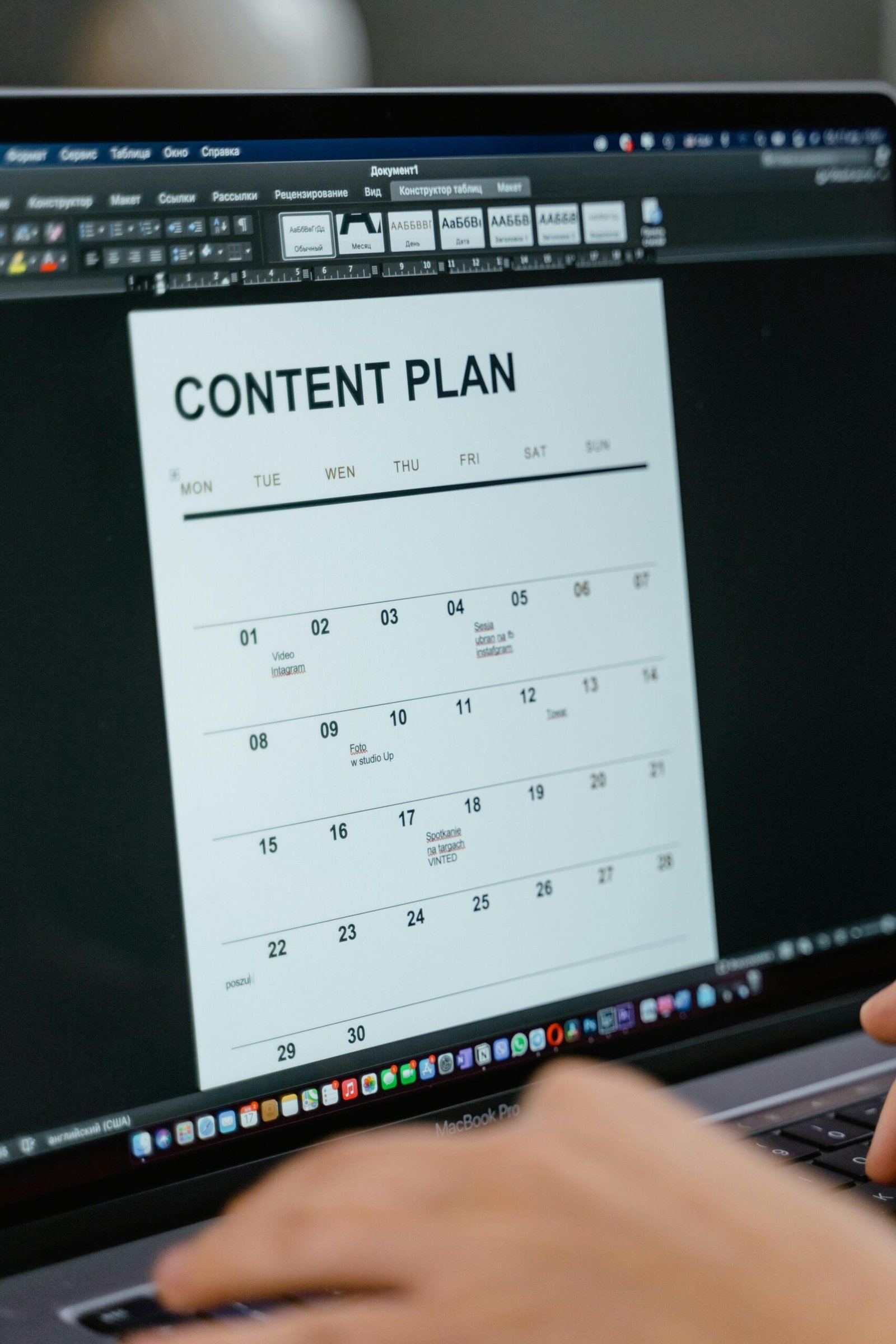
Why Most Content Calendars Fail Before February
A well-built content calendar is the difference between a brand that publishes consistently and one that scrambles to post something — anything — every few weeks. Yet according to a 2026 Content Marketing Institute report, 63% of marketing teams admit their content planning falls apart within the first six weeks of a new quarter. The problem is rarely motivation. It is system design.
This guide will show you exactly how to create a content calendar that you and your team will actually follow — not because it looks pretty in a spreadsheet, but because it is built around how real work gets done. Whether you are a solo creator, a startup marketer, or managing a full digital team, these strategies apply across platforms and budgets.
Building the Foundation Before You Touch a Tool
Most people open a spreadsheet or fire up a project management app before they have answered the questions that make a content calendar functional. Skipping this foundation phase is the single biggest reason content plans collapse.
Define Your Content Goals With Numbers Attached
Vague goals produce vague calendars. Instead of writing “publish more blog posts,” define it as “publish two SEO-optimized articles per week targeting mid-funnel keywords, with the goal of increasing organic traffic by 30% in Q3 2026.” When your goal has a number, a timeline, and a purpose, every content decision becomes easier to make or reject.
Start by answering three questions. What business outcome does your content need to drive — leads, brand awareness, customer retention, or direct revenue? Which audience segment are you targeting with each piece? And what does success look like in 90 days? Document these answers before choosing a single topic or platform.
Audit What You Already Have
A content audit is not glamorous, but it is essential. Go through your existing blog posts, social content, videos, newsletters, and lead magnets. Identify what performed well, what was never published, and what could be updated rather than created from scratch. A 2026 HubSpot State of Marketing report found that updating existing content drives 56% more organic traffic on average than publishing new content alone. This insight alone can cut your content creation workload significantly while boosting results.
Map Your Publishing Capacity Honestly
Here is where most teams lie to themselves. They plan for five posts per week when they realistically have bandwidth for two. Capacity mapping means calculating the actual hours available for writing, editing, designing, and publishing — then matching your content volume to those hours, not your ambitions. A lean, consistent calendar beats an ambitious calendar that gets abandoned every time.
- Solo creator: Plan for 3 to 5 pieces of content per week across all platforms combined
- Small team of 2 to 4: Aim for 6 to 10 pieces per week with clear ownership per channel
- Larger marketing team: Build channel-specific sub-calendars under one master calendar
Choosing the Right Tools Without Overthinking It
The tool you use for your content calendar matters far less than the system behind it. That said, the right tool reduces friction, and low friction is what keeps teams consistent. In 2026, the landscape of content planning tools has matured significantly, with AI-assisted scheduling and automated workflow features becoming standard rather than premium add-ons.
Spreadsheet-Based Calendars
Google Sheets or Notion databases remain the most flexible and widely used options for small teams and solo creators. They are free, easily customizable, and require no onboarding. A basic content calendar in Google Sheets should include columns for publish date, content title, target keyword, content type, platform, assigned writer, editor review date, and publication status. This structure handles 90% of what most teams need without paying for specialized software.
Dedicated Content Planning Platforms
For teams managing multiple channels, clients, or contributors, platforms like CoSchedule, Airtable, Monday.com, or Asana offer visual calendar views, workflow automation, and integrations with publishing tools. In 2026, most of these platforms have added AI writing assistants and predictive scheduling features that analyze your historical performance to suggest optimal publishing times. CoSchedule’s ReQueue feature, for example, automatically recirculates evergreen content during gaps in your schedule — a genuine time-saver for lean teams.
AI-Powered Content Calendar Assistants
AI tools have moved well beyond simple content suggestions. In 2026, platforms like Jasper, ContentStudio, and even native features within Meta Business Suite and LinkedIn Campaign Manager can analyze your audience engagement data and generate content calendar suggestions based on trending topics in your industry, seasonal demand patterns, and competitor publishing gaps. The key is using these tools to inform your planning, not to replace the strategic thinking behind it.
Structuring Your Content Calendar Step by Step
Now that your goals are defined and your tools are selected, it is time to build the actual calendar. This is where strategy becomes execution.
Start With Your Content Pillars
Content pillars are the three to five core topic areas that every piece of content you publish falls under. They should map directly to your audience’s biggest questions and your brand’s areas of expertise. For a digital marketing agency in 2026, pillars might be SEO strategy, paid media, content marketing, AI tools for marketers, and conversion rate optimization. Every blog post, video, social caption, and newsletter you create should connect to one of these pillars. This keeps your brand voice coherent and your content discoverable.
Apply the Content Mix Formula
A balanced content calendar is not all promotional posts or all educational articles. A proven content mix formula for 2026 looks like this: 60% educational or value-driven content, 20% brand storytelling and behind-the-scenes, and 20% promotional or conversion-focused content. This ratio reflects how modern audiences interact with brands across platforms — they want value before they want a pitch. According to a 2026 Sprout Social Index, audiences are 74% more likely to follow and engage with brands that prioritize educational content over product promotion.
Map Content to the Buyer Journey
Every piece of content should serve a reader at a specific stage of awareness. Top-of-funnel content attracts new audiences — think how-to guides, listicles, explainer videos, and thought leadership posts. Middle-of-funnel content educates and builds trust — comparison articles, case studies, webinars, and detailed tutorials. Bottom-of-funnel content converts — product demos, testimonials, free trials, and ROI calculators. Map at least one content piece per week to each stage, and your calendar becomes a lead generation engine rather than just a publishing schedule.
Assign Ownership and Deadlines Clearly
Every row in your content calendar should have one name attached to it — not a team, not a department, one person. That person is accountable for delivery. Alongside the assigned owner, include a draft deadline, an edit deadline, and a publish date. These three dates create a natural workflow buffer and eliminate the last-minute scramble that derails most publishing schedules. Build in at least two to three business days between the draft deadline and publish date to allow for revisions, design, and scheduling.
Build in Flexibility Zones
Rigid calendars break. Leave 10 to 15% of your calendar slots open or marked as flexible. These slots are for reactive content — trending topics, breaking news in your industry, or timely social media opportunities that arise naturally. In 2026, the ability to publish relevant real-time content is a competitive advantage, but it requires intentional space in your schedule. Teams that plan every single slot leave no room to respond to what their audience is actually talking about right now.
Making Your Content Calendar a Habit, Not a Chore
Creating the calendar is the easy part. Maintaining it week after week is where most teams and creators fail. The following practices transform a content calendar from a document people avoid into a system people depend on.
Run a Weekly Content Meeting — But Keep It Under 20 Minutes
A short weekly check-in does more for calendar consistency than any tool upgrade. Spend five minutes reviewing what went live last week, five minutes confirming what is scheduled for the coming week, and ten minutes addressing blockers, reassigning stuck content, and filling any gaps. Keep the meeting standing or on a video call with no slides. The goal is decision-making speed, not reporting.
Create Content Batching Sessions
Content batching is one of the most effective productivity strategies for maintaining a consistent publishing schedule. Instead of writing one blog post on Monday, one on Wednesday, and one on Friday, you write all three in a single focused session. This works because context-switching between content creation and other tasks is one of the biggest time drains in any creative workflow. Schedule two to three dedicated batching sessions per week and protect those time blocks as seriously as client calls.
Automate the Repetitive Parts
In 2026, there is no good reason to manually post every piece of social content or send every newsletter on the day it goes out. Scheduling tools like Buffer, Later, Hootsuite, and Mailchimp allow you to batch-schedule weeks of content in a single session. Set up automation rules for cross-posting — for example, automatically sharing every new blog post to LinkedIn and X (formerly Twitter) the moment it publishes. These small automations compound over time into hours saved per month.
Review and Iterate Monthly
A content calendar without a monthly review is a static document. At the end of each month, spend one hour analyzing which content pieces performed best across traffic, engagement, leads, and conversions. Then ask why they worked. Was it the topic, the format, the headline, the timing, or the platform? Use those insights to adjust next month’s calendar. This iterative loop is what separates content teams that grow their results each quarter from those that stay flat.
Common Content Calendar Mistakes and How to Avoid Them
Even experienced marketing teams make predictable mistakes when building content calendars. Knowing them in advance saves weeks of frustration.
- Planning too far ahead without flexibility: Mapping six months of specific content topics sounds productive but leads to irrelevant content. Plan themes and pillars months ahead, but specific topics and titles should be confirmed no more than four weeks out.
- Ignoring platform-specific formatting: A content calendar that treats LinkedIn posts, Instagram Reels, and email newsletters as interchangeable will produce generic content that underperforms on every channel. Each platform has its own format, tone, and audience expectation — your calendar should reflect this.
- No repurposing strategy: Every long-form piece of content should generate at least three to five shorter content assets. A 2,000-word article becomes an email newsletter, five social posts, a short video script, and a LinkedIn carousel. Build repurposing into the calendar as a standard step, not an afterthought.
- Skipping SEO integration: Your content calendar should include the target keyword for every blog post or long-form asset. Without this, you are publishing content that cannot be discovered through search. Keyword intent should influence topic selection, not just be added after the fact.
- Measuring vanity metrics only: Likes and impressions feel good but rarely correlate with business results. Track metrics tied to your goals — organic sessions, email subscribers, leads generated, and content-attributed revenue.
Frequently Asked Questions
How far in advance should I plan my content calendar?
Plan your content strategy and themes three months ahead, but leave specific topic and headline decisions to a four-week rolling window. This gives you strategic direction while allowing you to respond to trends, algorithm changes, and audience signals. Quarterly theme planning paired with weekly topic confirmation is the approach used by most high-performing content teams in 2026.
What is the ideal posting frequency for a small business with limited resources?
Consistency matters more than volume. Publishing two high-quality, SEO-optimized blog posts per week and three to five social posts per platform outperforms daily publishing of mediocre content every time. Start with a frequency you can maintain for 90 days without burning out your team, then scale up once your workflow is running smoothly.
Can AI tools replace a human content strategist when building a content calendar?
Not in 2026, and likely not for years beyond it. AI tools can accelerate research, generate topic ideas, suggest posting schedules, and draft content outlines — but they lack the business context, audience understanding, and strategic judgment that make a content calendar effective. Use AI as a productivity multiplier, not a replacement for strategic thinking.
How do I get my team to actually use and update the content calendar?
Make it the single source of truth and embed it into your team’s existing workflow. If your team uses Slack, integrate calendar updates there. If you use Monday.com for project management, build the content calendar inside it rather than in a separate tool. Reduce the number of steps required to update it, and run your weekly content meeting directly from the calendar view so it becomes a living document rather than a static reference file.
What should I do when I fall behind on my content calendar?
Do not try to catch up. Catching up leads to rushed, low-quality content and team burnout. Instead, reset the calendar from the current week forward, drop or delay the content that was missed, and investigate why the gap happened. Was it an unrealistic workload, unclear ownership, or a missing workflow step? Fix the root cause so the same gap does not repeat in the following month.
How do I measure whether my content calendar is actually working?
Track four metrics monthly: publishing consistency rate (what percentage of scheduled content was published on time), organic traffic growth from content, content-driven leads or conversions, and content engagement rate by platform. If your publishing consistency is above 85% and your traffic and leads are trending upward quarter over quarter, your content calendar is working. If either metric is stagnant, revisit your topic strategy, content quality, or distribution channels.
Do I need a separate content calendar for each social media platform?
You need one master content calendar with platform-specific rows or views, not entirely separate documents for each channel. A master calendar gives you visibility into your overall content rhythm and prevents you from over-publishing on one platform while ignoring another. Most modern tools like Airtable, Notion, and CoSchedule allow you to filter the same calendar by platform, giving you both the big picture and the channel-specific detail without duplicating work.
Building a content calendar that actually gets done is not about finding the perfect template or the most advanced tool — it is about designing a system that fits the real capacity, goals, and workflows of your team. Start with clear goals, map your capacity honestly, choose a tool that reduces friction, assign clear ownership, and build in the review habits that keep the system improving over time. Brands and creators who follow this approach do not just publish more consistently — they build compounding content assets that drive traffic, trust, and revenue for years. Start with next week’s calendar, get those pieces published, and build from there.
This article is for informational purposes only. Always verify technical information and consult relevant professionals for specific advice tailored to your business needs and circumstances.
Leave a Reply